


_resized_resized_resized-min%202_resized.webp)
You asked. We built. This month's update is one of our biggest yet — packed with features that came directly from your feedback. Less manual work, sharper financial insights, and tighter control over your books. Here's everything that's now live.
Key Takeaways from this Post
Your account is now more secure with Two-Factor Authentication — enable it anytime from Settings → Security using Google Authenticator or Microsoft Authenticator.
Less manual work across the board: Bulk Send settlements, Google Sheets cost sync, Shopify Cost Sync, and auto-attached QuickBooks audit files all reduce repetitive tasks significantly.
Deeper financial visibility with Analytics upgrades — Growth Trend mode, Benchmarks trendline, Long vs Short-Term Storage Fee Ratio, and CSV export are all now live.







%20(1).webp)
Two-Factor Authentiction
Security shouldn't be an afterthought, and now it doesn't have to be.
Two-Factor Authentication (2FA) is now available on Link My Books. Once enabled, you'll verify your identity with a 6-digit code from an authenticator app each time you sign in, so your account stays protected even if your password is ever compromised.
Enable it anytime from Settings → Security. Works with Google Authenticator, Microsoft Authenticator, Authy, and the iPhone built-in Passwords app.
→ Set up Two-Factor Authentication
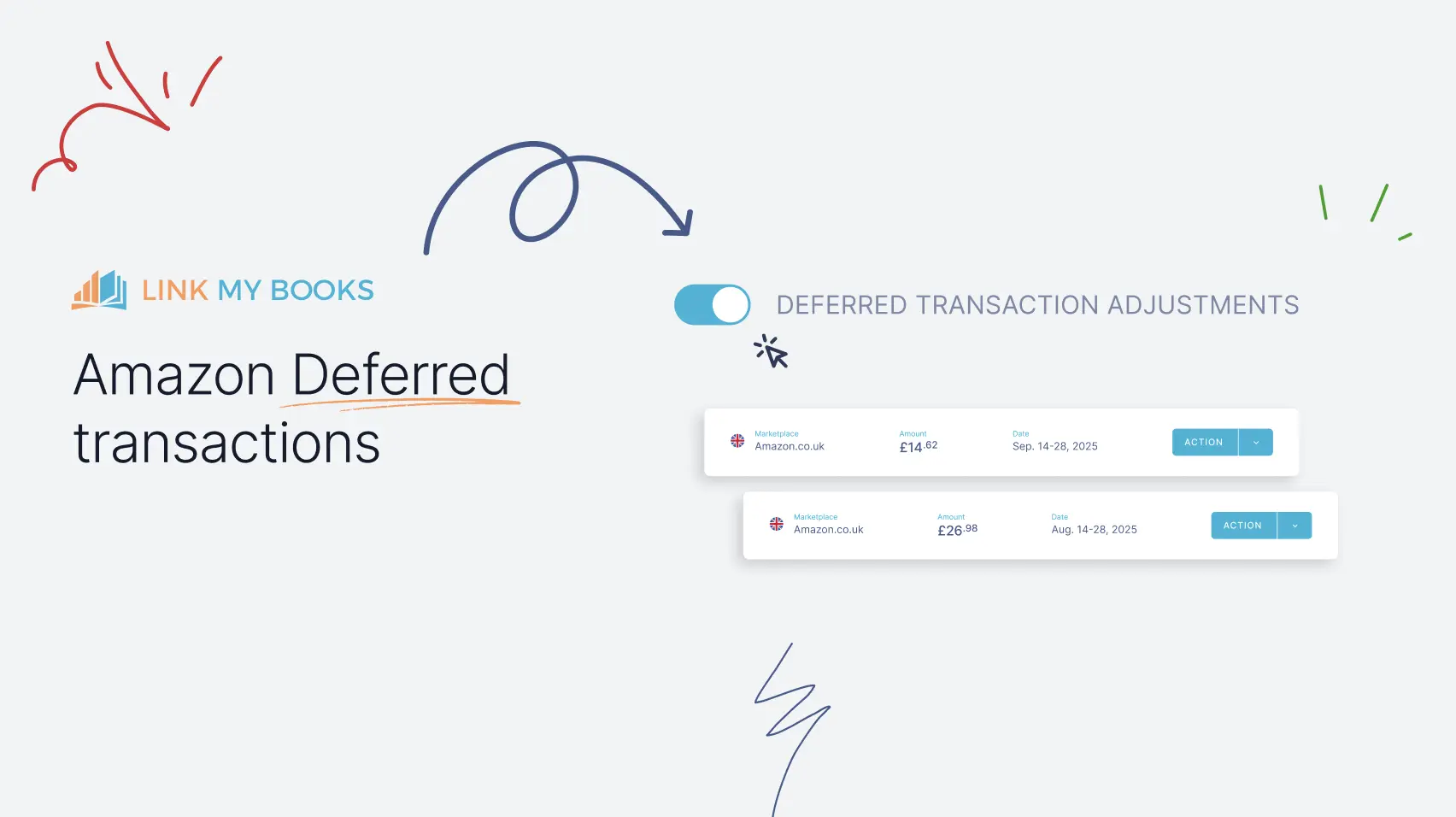
Amazon Deferred Transactions
Amazon sellers, this is a big one.
Revenue recognition has always been a headache — but not anymore. Amazon Deferred Transaction Adjustments is now a fully self-service add-on, meaning you can turn it on yourself, pick your start date, and have your books automatically reflect the right period. No manual journals. No chasing support. Just clean, accurate accounting running quietly in the background.
→ Learn more about Amazon Deferred Transaction Adjustments
%20(1).webp)
QuickBooks Audit Files Attached Automatically
One less thing to do manually — and it's a good one.
QuickBooks users: your audit files and MTD daily summary files are now automatically attached to the relevant journal entries and invoices when Link My Books posts your settlements. No more downloading them separately and re-attaching them by hand.
This brings QuickBooks fully in line with how Xero has always worked. Nothing to enable — it just happens.
Applies to settlements posted from 17 February 2026 onwards.
→ Learn more about automatic file attachments
.webp)
Settlements Dashboard Improvement
Bulk Send is here — no babysitting required.
This is the one a lot of you have been waiting for. Select multiple settlements, hit send, and watch them post to Xero or QuickBooks in one clean batch. A live progress bar tracks exactly where you are, estimates time remaining, and updates in real time as each settlement completes.
Hit a rate limit? It'll tell you. Need to step away? Processing continues in the background — just come back and pick up where you left off.
We've also made the dashboard smarter across the board: clearer status guidance, better error explanations, and smarter troubleshooting built right in. Everything you need, right where you need it.
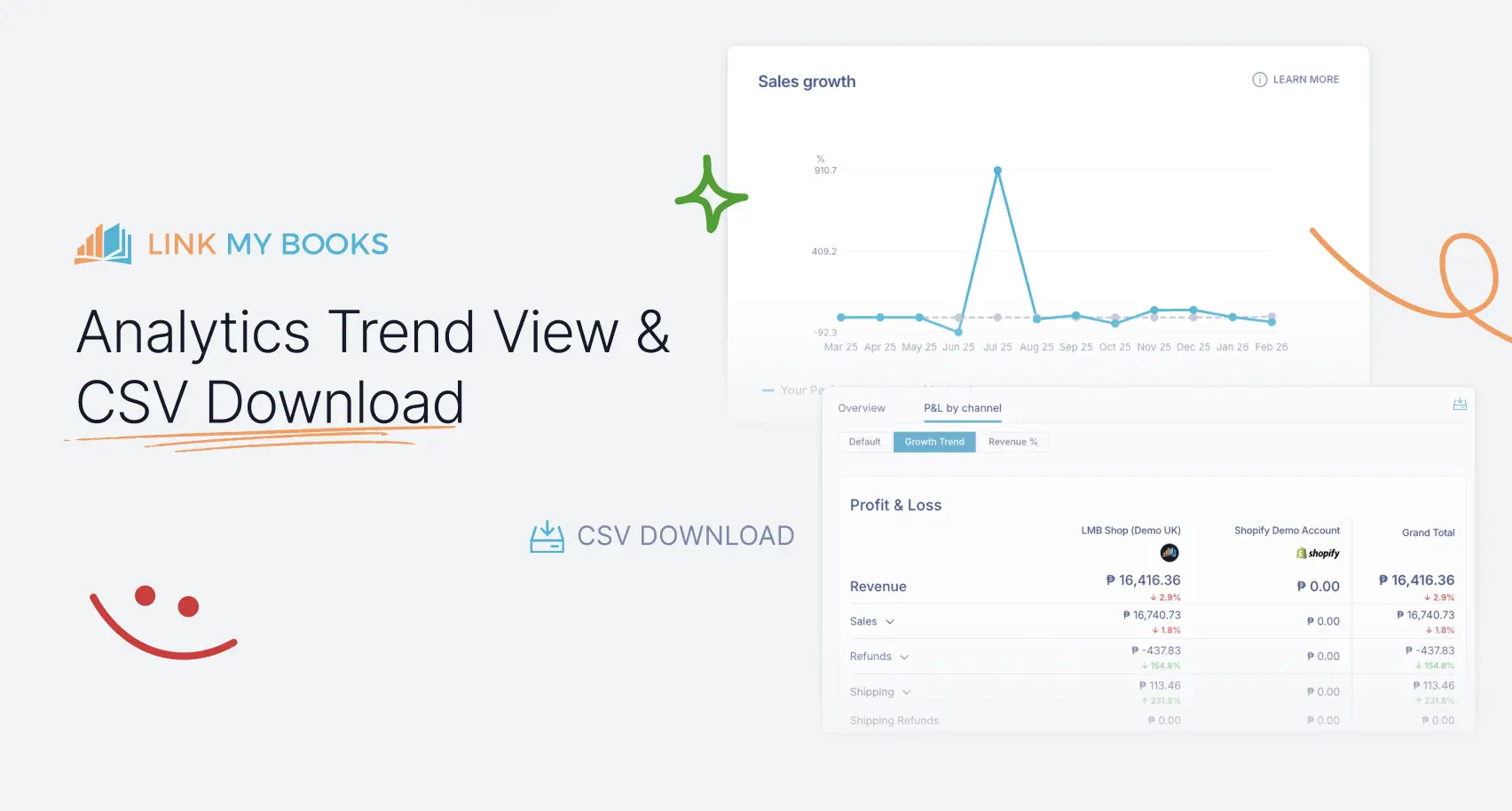
Analytics Dashboard Improvements
Period-on-period comparisons — now you can actually see the trend.
The P&L by channel view now includes a Growth Trend mode, showing how each line item moves month over month — revenue, expenses, net profit, and more. Switch between Default, Growth Trend, and Revenue % views to get the angle that matters most to you.
Industry Benchmarks — now with a trendline view
The benchmarks you already love now come with a Trendline mode, showing how your performance tracks against the market average over the past 12 months. Switch views without a page refresh, and hover over any point to see exactly where you stand relative to your peers.
→ Learn more about the Trendline View
Know exactly where your storage fees are going
Slow-moving inventory quietly drains margins — but now you can catch it early. The new Long vs Short-Term Storage Fee Ratio shows you exactly what percentage of your total storage costs are going to long-term storage. And because it's benchmarked, you can see how your ratio compares to similar businesses in your industry.
→ Learn more about improving your storage fee ratio
Export as CSV — your data, your way.
The old PDF download is now a CSV export. Slice it, filter it, drop it into your own tools — your financial data, on your terms.
→ Download Financial Analytics as CSV
.webp)
Custom CSV Columns
Got a spreadsheet from Sellerboard, or your own custom cost format? No need to reformat it. Just upload it and tell Link My Books which columns map to SKU, cost, and product name — and you're done. No template matching, no manual cleanup.
→ Learn more about custom CSV columns
.webp)
Google Sheets Integration
If you're managing product costs in a spreadsheet, this one's for you. Connect a Google Sheet directly to Link My Books and update your product costs in bulk, automatically. No more manual CSV exports and re-uploads every time your costs change, just connect once and let it sync.
→ How to sync product costs from Google Sheets
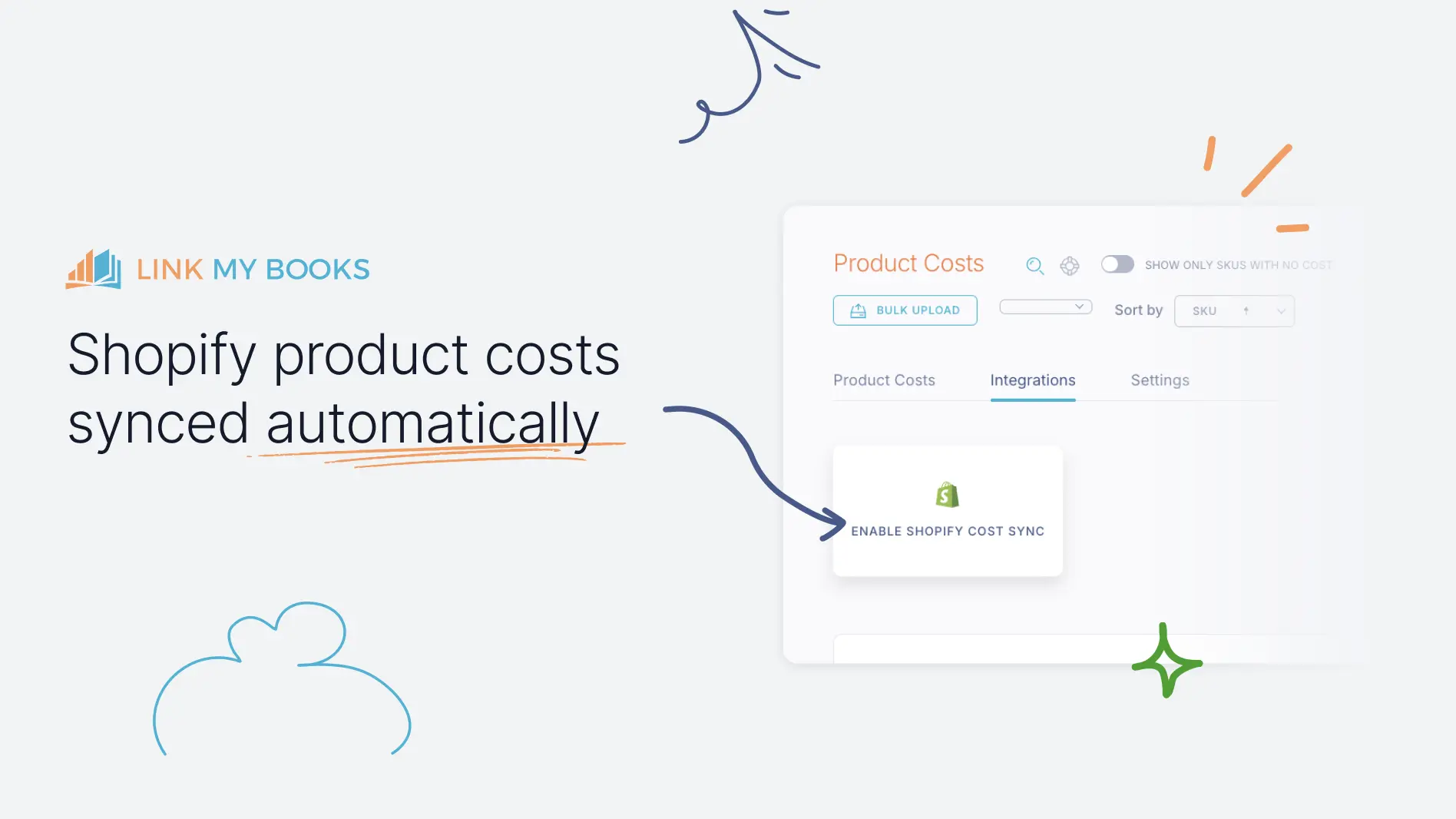
Shopify Product Costs Auto-sync
Shopify sellers, this one removes a recurring chore for good. Your cost-per-item data now flows directly into Link My Books — no CSV exports, no manual updates. Enable Shopify Cost Sync from Product Costs → Integrations and your COGS figures stay accurate automatically, twice a day.
Need an immediate refresh? Just hit Sync Costs.
→ Learn how to set up Shopify Cost Sync
%20(1).webp)
Teams Feature
If you're an accounting firm managing dozens of client accounts — or a growing e-commerce business with finance, ops, and advisors all needing access — you know exactly how messy shared logins get.
Teams fixes that for good.
Group client accounts into a shared workspace, invite teammates by email, and control exactly who can manage settings versus who just needs to view the data. Everyone sees what they need to. Nothing more.
Switch between teams and your personal workspace in one click, right from the header. No logging in and out. No juggling tabs.
What should we build next?
Every single feature in this update came from customers like you. If you've got something that would make your workflow faster, your books cleaner, or your life a little easier — we genuinely want to hear it. No matter how big or small.
Got something that would make your workflow faster, your books cleaner, or your life easier? Send your feature requests or ideas though this form or get in touch via support@linkmybooks.com and let us know what else you think we should be working on, no matter how big or small.




.webp)





.png)