


Taxomate does not use one flat fee for everyone. Its pricing changes based on order volume, channel setup, billing cycle, and whether you want its QuickBooks Inventory Sync workflow. Taxomate also states that it can auto-upgrade your plan when you go over your limit, which means the real cost can move with your business.
Key Takeaways from this Post
Taxomate offers three pricing paths: Starter, Multi-channel, and QuickBooks Inventory Sync. Annual billing is promoted as a 17 percent saving on the pricing page.
The headline price is not the whole story. Its QuickBooks Inventory Sync path is also still in beta, and Taxomate says you do not need to choose that plan until the beta is complete.
Link My Books is the better fit for sellers who want cleaner VAT support and more bookkeeping-focused onboarding.







Taxomate Pricing Plans Overview
Taxomate’s pricing page uses a live calculator, so the easiest way to understand it is to break the structure into the three plan types Taxomate shows publicly.
Source: current official Taxomate pricing, help, and comparison pages.
Taxomate currently lists:
- Amazon
- Shopify
- eBay
- Walmart
- Etsy
- TikTok Shop
- WooCommerce
As supported sales channels. It also shows QuickBooks Online, Xero, and Wave as accounting integrations.
How Taxomate Pricing Actually Works
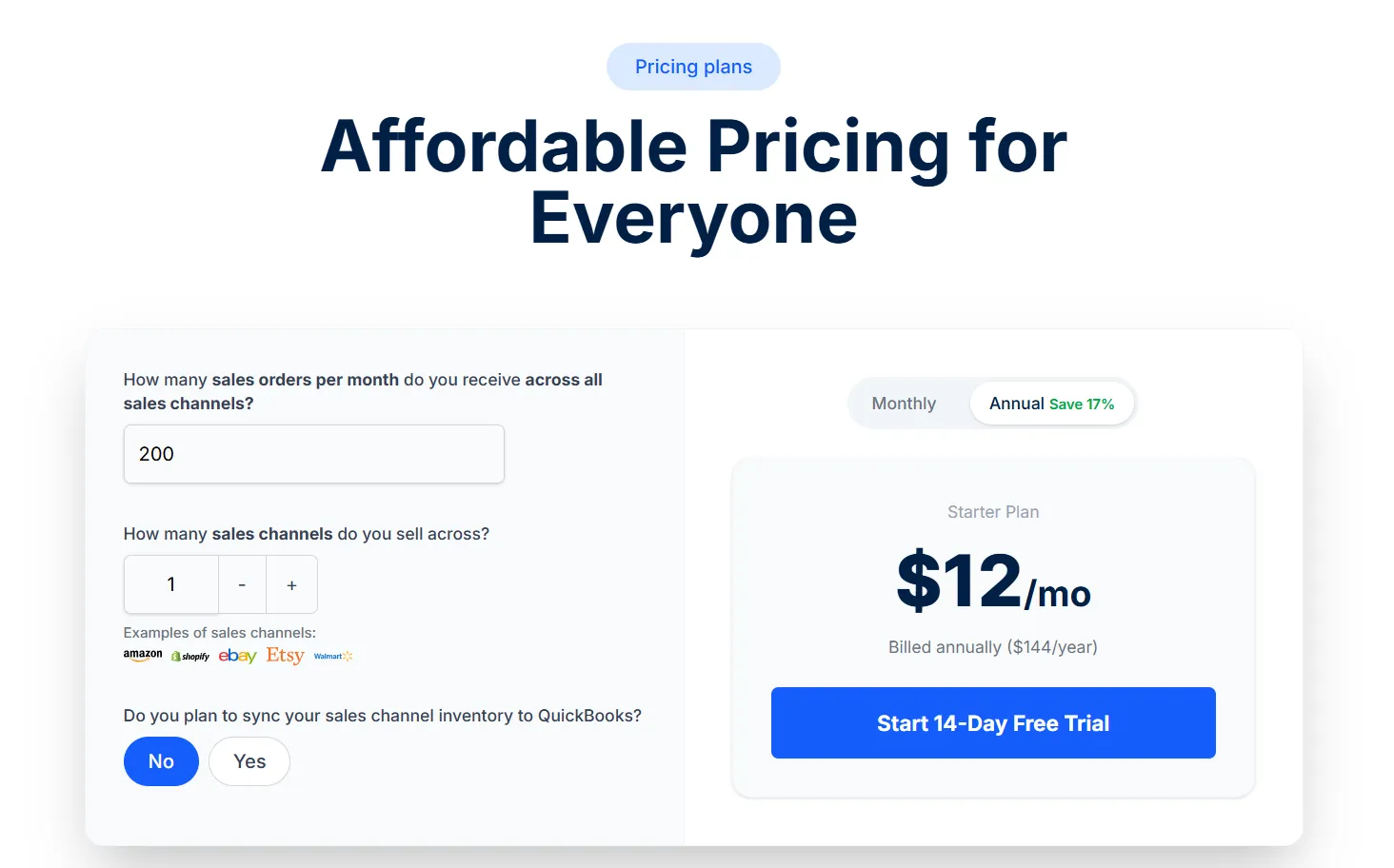
Taxomate bases pricing on the number of monthly orders across your sales channels. Their help docs tell users to choose a higher plan if their normal average is above their current monthly figure, and FAQ repeats that plans are based on monthly order volume.
That sounds simple, but two details matter:
- First, Taxomate can automatically upgrade your plan once you hit your order limit.
- Second, the signup flow asks you to add a payment source before the free trial ends, even though you are not billed until after the 14-day trial.
For sellers who want inventory syncing in QuickBooks, there is another wrinkle. Taxomate says QuickBooks Inventory Sync is still in beta and that sellers do not need to select the inventory plan until the beta is complete. It also says this workflow requires QuickBooks Online Plus or Advanced. That means inventory users should treat this plan as a specialized workflow, not a standard plug-and-play tier.
Hidden Costs in Taxomate Pricing
The first hidden cost is growth.
Taxomate explicitly allows auto-upgrades when you exceed your plan allowance. If your order volume spikes in Q4 or you run promotions that push you into a higher tier, your software spend can rise with it.
The second hidden cost is plan complexity. Starter is easy to understand. Multi-channel is still clear. The inventory path is harder to model because it sits inside a beta workflow and depends on both order count and your QuickBooks setup.
If you need SKU-level inventory logic, you need to factor in the cost of QuickBooks Online Plus or Advanced as well, since Taxomate says that is required.
The third hidden cost is integration nuance. Taxomate supports Wave, which is a real advantage for some sellers, but that support is not universal across all channels. Shopify is the clearest example. Taxomate says Shopify only integrates with QuickBooks Online or Xero because Shopify would not approve Wave as a connected app. If you assume every Taxomate channel works with every accounting platform, you can choose the wrong stack.
This means you need to price the setup you will actually use, not the cheapest number on the page.
Why Choose Link My Books Over Taxomate for Your Ecommerce Accounting
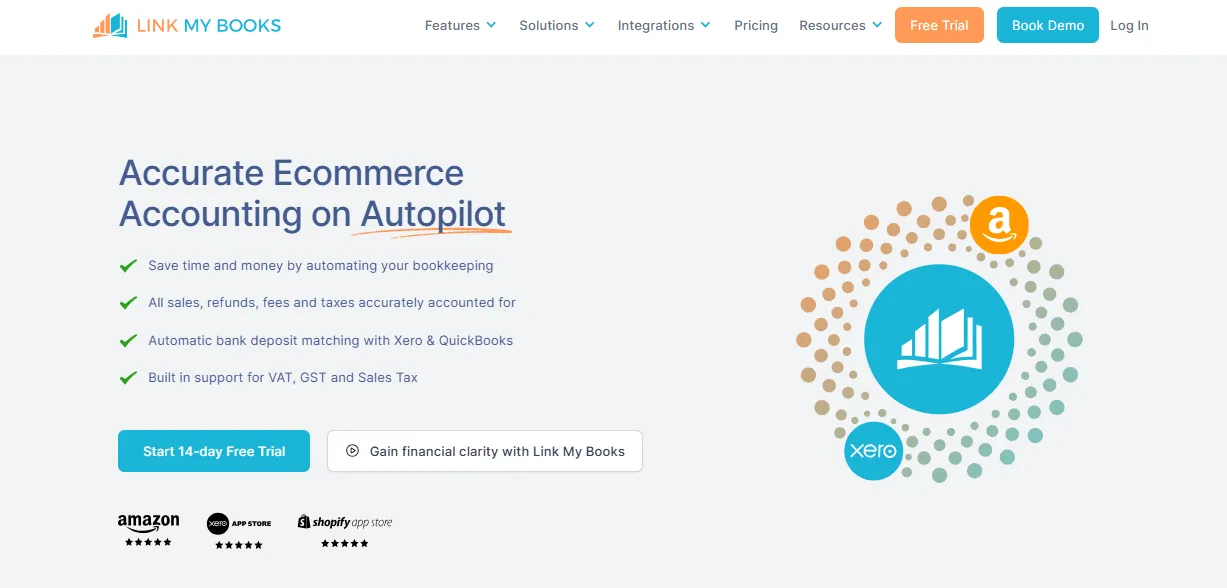
Taxomate is strong on price for many multi-channel sellers. Link My Books wins on bookkeeping depth for sellers who care most about VAT handling, reconciliation confidence, and onboarding support.
Link My Books can automate your payout reconciliation, tax handling, COGS tracking, and analytics, it offers benchmarking agains your competitors. And can even handle multiple EU VAT registrations and PAN-EU setups.
Pricing is only part of the cost. If your software is cheaper but leaves you second-guessing VAT treatment, or multi-country setups, the monthly fee stops being the real number that matters.
Here’s what to expect:
Automated Payout Reconciliation
Link My Books imports your payouts directly, breaking them down into sales, refunds, fees, shipping, and tax. It then creates summary invoices in Xero or QuickBooks that match your bank deposits line for line. This eliminates manual CSV uploads and ensures reconciliations are accurate every month.
Built-in VAT Handling
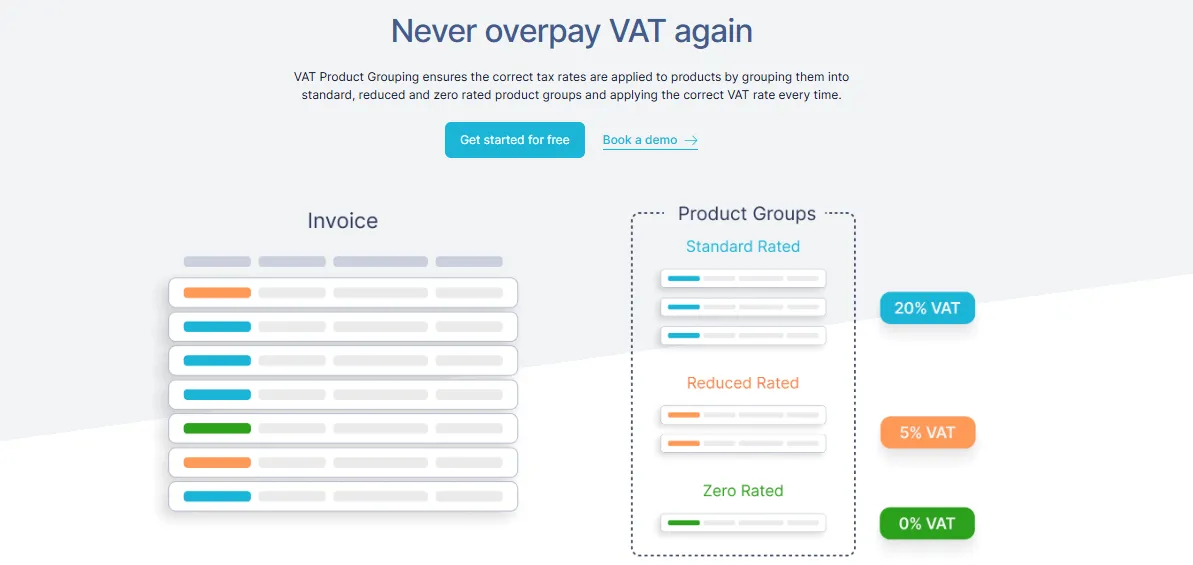
Designed for UK and EU sellers, Link My Books automatically applies VAT and OSS rules. Standard-rated, reduced-rated, and zero-rated sales are separated correctly, preventing the common mistake of overpaying VAT. This feature is especially important for sellers above the £85k UK VAT threshold.
Cross-Channel Reporting
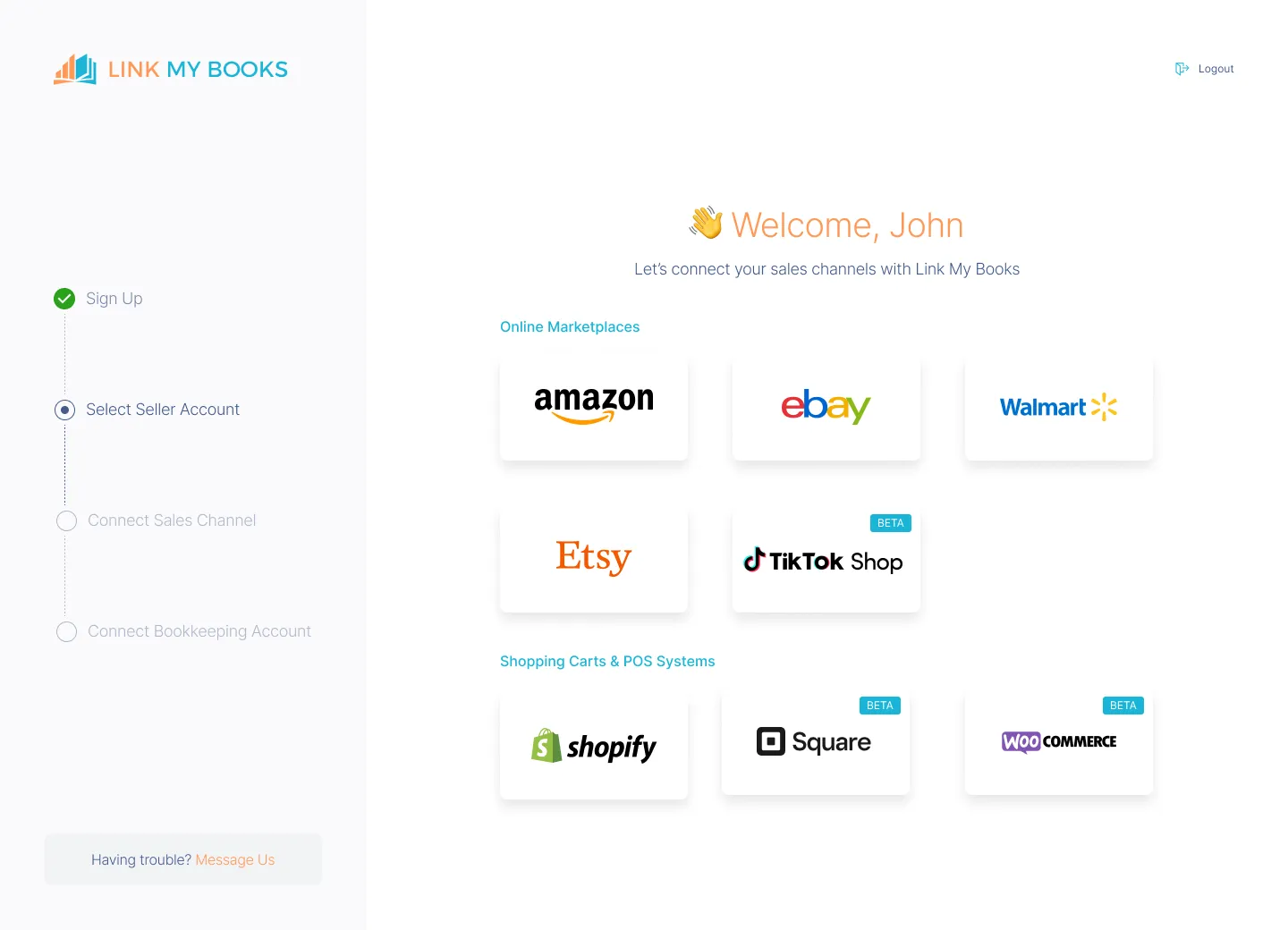
You can connect Shopify, Amazon, eBay, Etsy, TikTok Shop, Square, Walmart, and WooCommerce. The tool gives you Profit & Loss visibility per channel, so you can see which platforms are most profitable and make informed scaling decisions.
Financial Insights & Benchmarking
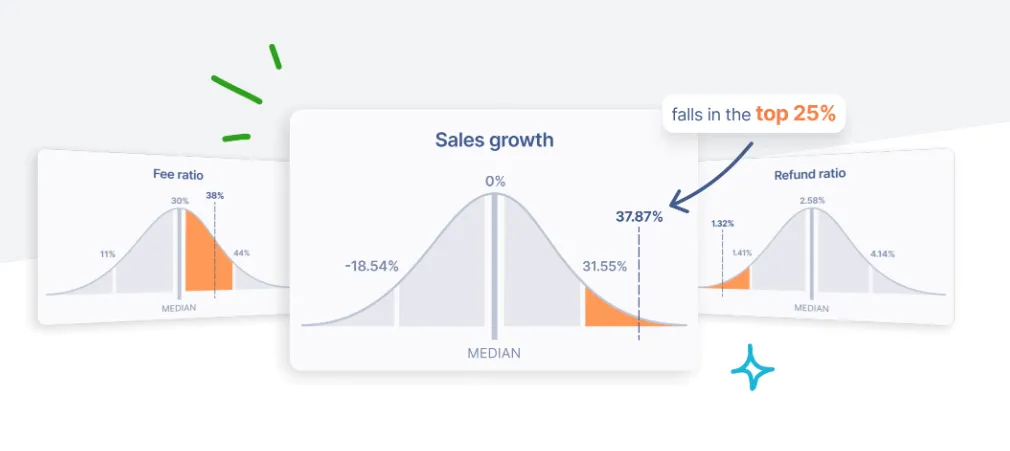
Beyond reconciliation, Link My Books offers industry benchmarking and financial summaries. You can compare refund rates, fees, and margins against other sellers, spot low-performing platforms, and track profitability in real time.
Link My Books pricing
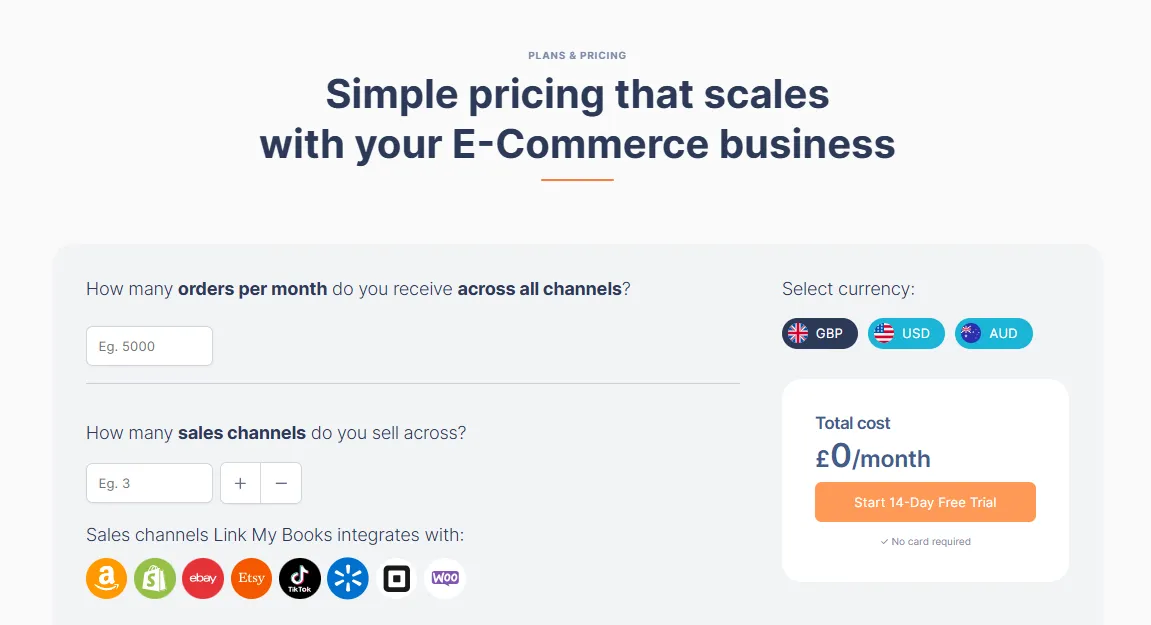
Our pricing is flexible and scales with your business based on two factors:
- Monthly order volume: whether you process 200 orders or 250,000 orders, you only pay for what you use.
- Number of connected sales channels: one Shopify store, or multiple stores across Amazon, Etsy, TikTok Shop, and eBay.
Check out our price calculator to see where you would land.
[insert shortcode for pricing]
Every subscription includes:
- Unlimited users (ideal for accountants or teams)
- Free onboarding with a qualified accountant
- Built-in VAT and OSS automation
- SKU-level COGS tracking
- Industry benchmarking and profitability insights
- A 14-day free trial with no credit card required
Link My Books vs. Taxomate: A Cost-Effective Alternative
Source: current official product, pricing, and FAQ pages.
Who Taxomate Is Best For
Taxomate is best for sellers who care about keeping software cost low while still getting automated bookkeeping across multiple channels. It is also a strong option for Wave users because Link My Books does not support Wave. And if QuickBooks inventory sync is central to your workflow, Taxomate has a dedicated path for that, even though it is still in beta.
Who Link My Books Is Best For
Link My Books is best for sellers using Xero or QuickBooks who want strong payout reconciliation, guided VAT handling, support for mixed-rate goods, and qualified onboarding help. It is also the stronger pick for accountants and bookkeepers who want to add clients, collaborate with free additional users, and work inside a tool that is clearly built around ecommerce bookkeeping rather than just data transfer.
FAQ on Taxomate Pricing
Does Taxomate Offer a Free Trial?
Yes. Taxomate offers a 14-day free trial. Its pricing page and signup flow both confirm that.
Does Taxomate Require a Credit Card for the Free Trial?
Yes. Taxomate’s setup guide tells users to add a credit card during plan selection, but also states the card will not be charged until the 14-day trial is complete.
What Happens If You Outgrow Your Taxomate Plan?
Taxomate says it can automatically upgrade your plan when you exceed your order limit. Its FAQ also says plans are based on monthly order count and that it allows auto-upgrades when you sell more than your plan allows.
How Many Users Can You Have Per Taxomate Account?
Taxomate says users are unlimited on its pricing page, and its FAQ says you can add as many additional users as you would like.
How Does Taxomate’s Plan Upgrade or Downgrade Work?
Taxomate ties plan choice to order volume. Its help docs and pricing FAQ both point sellers to the plan that fits their normal order pattern and say the system can auto-upgrade when usage exceeds the plan allowance.
How Does Link My Books Compare to Taxomate for Affordability?
Taxomate is often cheaper on headline multi-channel price. Link My Books is more compelling on total value if you want VAT-specific features, a no-card trial, stronger review proof, and bookkeeping-oriented support. That is a value judgment based on official feature sets and public review proof, not just sticker price.
The Final Verdict: Which One Should You Choose?
Choose Taxomate if your main goal is lower multi-channel cost, especially if you use Wave or want a cheaper path than A2X-style pricing. Taxomate’s public pricing is aggressive, its feature set is solid, and unlimited users plus onboarding help make it practical for lean teams.
Choose Link My Books if you want a stronger ecommerce bookkeeping tool for Xero or QuickBooks, especially when VAT complexity matters. Its trial is easier to start, its support positioning is stronger, its VAT tooling is more visible, and its public review proof is deeper. For UK and EU sellers, that is enough to justify paying for the better-fit product, even when the cheapest monthly number sits elsewhere.
Streamline Your Ecommerce Accounting With Link My Books
Manual ecommerce bookkeeping gets expensive fast. Not only in software fees, but in missed VAT detail, messy reconciliations, and hours lost every month trying to understand what your payouts actually mean.
Link My Books fixes that by syncing sales, refunds, fees, and taxes into Xero or QuickBooks, supporting mixed VAT rates, handling multi-country VAT setups, and giving sellers qualified help when they need it. If you want software that does more than move data from one system to another, it is the stronger choice.
👉Start your free 14-day trial of Link My Books and automate your ecommerce bookkeeping.




.webp)





.png)